Check your vertical video against each app's buttons
Drop in a frame or a clip and the covered areas turn red. The file opens in your browser and is never uploaded.
Drop a picture or a video here
Vertical 9:16 works best. Your file stays on your device.
- top
- 150 px
- bottom
- 440 px
- left
- 60 px
- right
- 150 px
Pixels covered on a 1080 by 1920 frame, approximate.
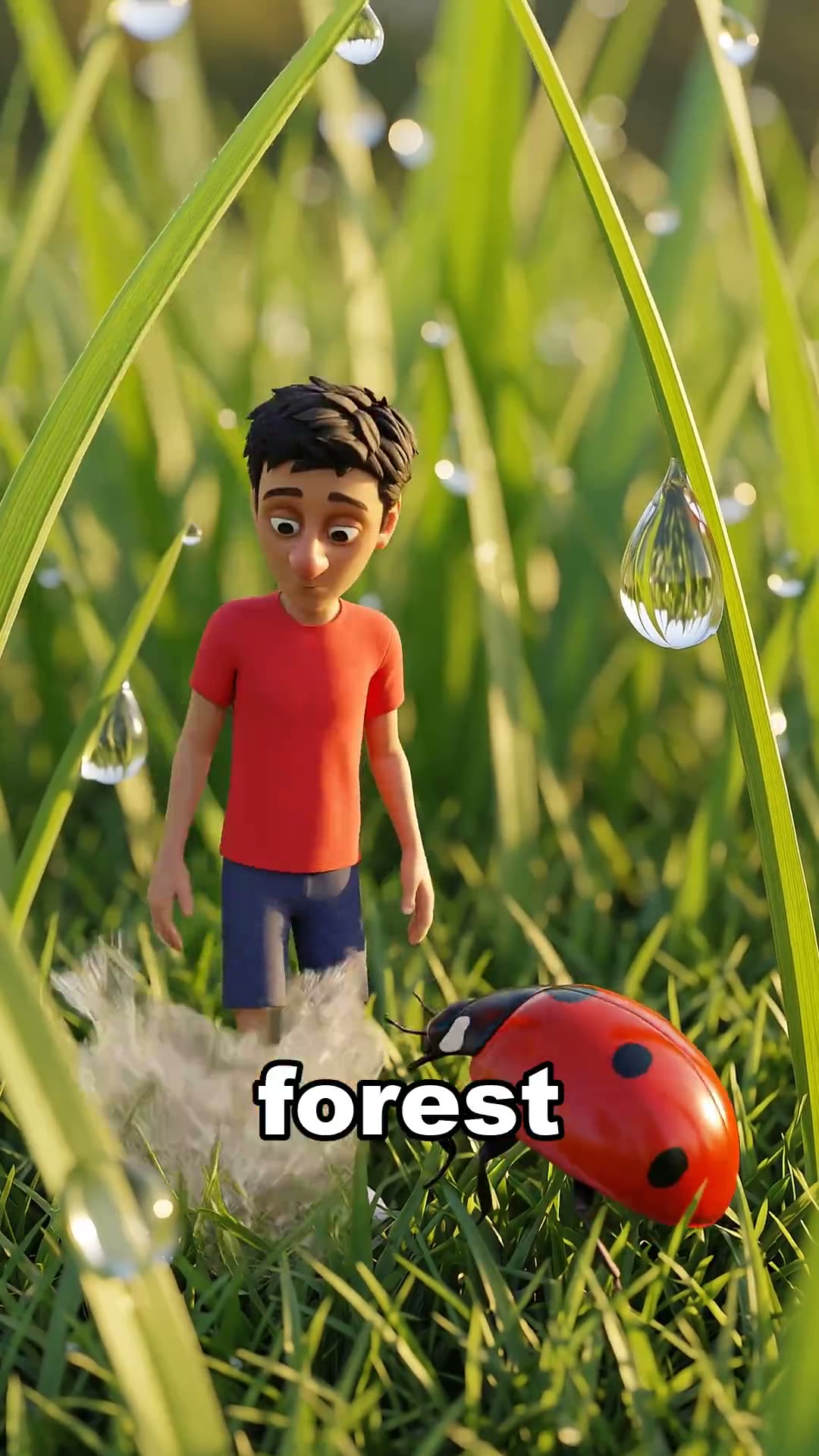
Sample frame from one of our own Shorts. Red: covered by TikTok. Inside the white line: safe.
What each app draws over your video
On TikTok, Shorts and Reels the video plays under the app's own layer: a column of like, comment and share buttons down the right side, the account name and description along the bottom, and tabs or a search bar at the top. Anything under that layer is hard to read or gone.
The checker shades that layer in red for the app you pick. The white outline is the part of the frame nobody covers.
The pixel numbers behind the shading
On a 1080 by 1920 frame, approximately. TikTok: 150 pixels at the top, 440 at the bottom, 150 on the right, 60 on the left, leaving 870 by 1330 clear. YouTube Shorts: 150 top, 380 bottom, 170 right, 60 left, leaving 850 by 1390. Instagram Reels: 220 top, 420 bottom, 140 right, 60 left, leaving 880 by 1280.
Phones differ, apps move their buttons, and a long description takes more room at the bottom, so keep a margin inside the white line.
One file for all three apps
If the same MP4 goes to every app, design for the strictest number on each side: keep text more than 220 pixels from the top (Reels), more than 440 from the bottom (TikTok) and more than 170 from the right edge (Shorts).
That leaves a box in the middle of the frame that is clear on all three. Put captions, titles and faces inside it, and one file works everywhere.
Where FacelessWave puts captions
FacelessWave burns captions in at 64 percent of the frame height, about 1,229 pixels from the top of a 1920 pixel frame. That is below the middle and above every app's bottom layer, so the words stay readable on TikTok, Shorts and Reels.
If you edit your own videos, the same height is a good default for captions. Faces and the main object of a scene read best higher up, so the caption never sits on top of them.
Three frames to check before posting
The first frame, because it is what people see before they decide to stay. The frame with the most text on it. And the last frame, where a call to action often sits right on the bottom layer.
Check each one on every app you post to. Look at the bottom edge first, where captions meet the account name, and then the right edge, where the buttons are.
Questions
More questions? support@facelesswave.com